Copy Type: Project Configuration Only
Code Insight 6.14.2
Project owners are the only ones with permission to copy projects. The following are the copy options available on the pull-down menu:
|
•
|
Project Configuration Only |
To copy a project configuration only, do the following:
|
1.
|
Log into Code Insight as an Owner. |
|
2.
|
Click the Projects button on the Main menu. The My Projects page appears. |
|
3.
|
Select a project from the list and click the Project Copy icon ( ) associated with that project. The Project Copy page appears: ) associated with that project. The Project Copy page appears: |
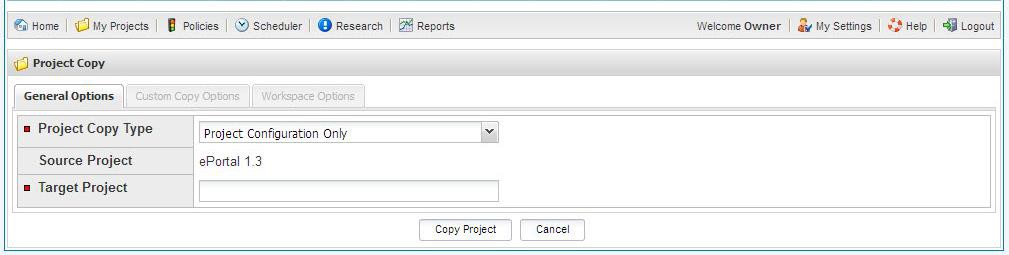
The default copy command in the Project Copy Type pull-down menu is Project Configuration only.
|
4.
|
Enter a name for the new project in the Target Project field. |
|
5.
|
Click the Copy Project button. |