Creating User Groups
Code Insight 6.14.2
You may want manually to create groups to organize files representing inventory items or for other purposes such as to organize files to be reviewed by a specific auditor.
To create a user group, perform the following steps.
To create user groups, do the following:
| 1. | Select the Groups tab in the top pane. |
| 2. | Click the Plus icon to add a new group to the list of groups. |
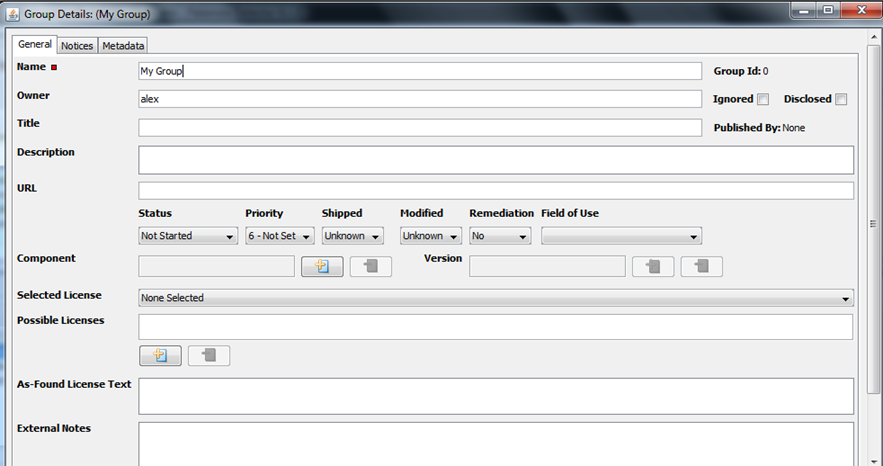
The Create Group box opens.
| 3. | Enter a name and an owner for the new group. (The owner field defaults to the current user login name.) |
| 4. | Click the Create button. |