Viewing and Confirming Published Inventory
Code Insight 6.14.2
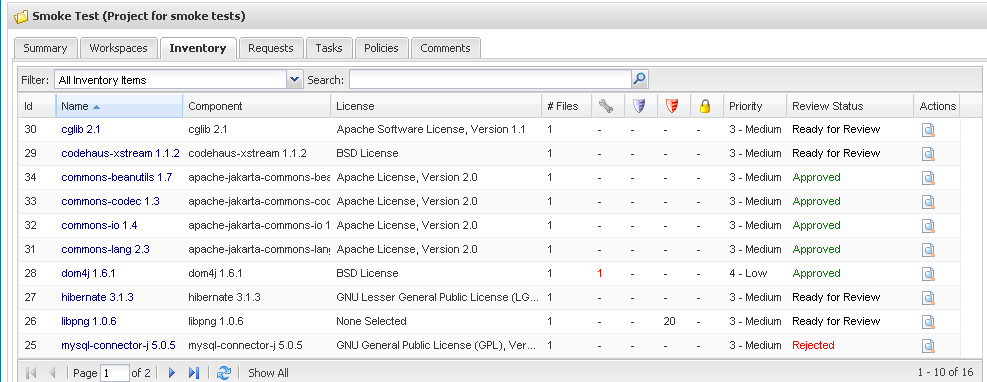
After you have published groups, you can confirm that they were published successfully by reviewing the project inventory.
To view and confirm published inventory, do the following:
| 1. | Click My Projects. |
| 2. | Click a Project Name link. |
| 3. | Select the Inventory tab. To search and filter the list, enter terms in the Filter and Search fields. |