Entitlement Management Issues Resolved in 2025.05
The following issue was resolved for entitlement management in the 2025.05 release.
Download Now Link in End-User Portal Now Working As Expected
(Case 02989988, SWM-25688)
In the End-User Portal, download packages could previously not be downloaded from either the New Versions or Previous Versions tab on the Download Order page. (The Download Order page is available by selecting Activation & Entitlements > List Entitlements and clicking the Download Now link for an entitlement). Instead of a download link, both tabs showed the error message “There are currently no available downloads defined for your account.” However, downloads were indeed available, as confirmed on the List Downloads page.
This problem has now been resolved. If a user has an entitlement that has download packages associated, they will be able to download the download packages from the New Versions tab.
In addition, expired or archived download packages are now displayed and can be downloaded from the Previous Versions tab.
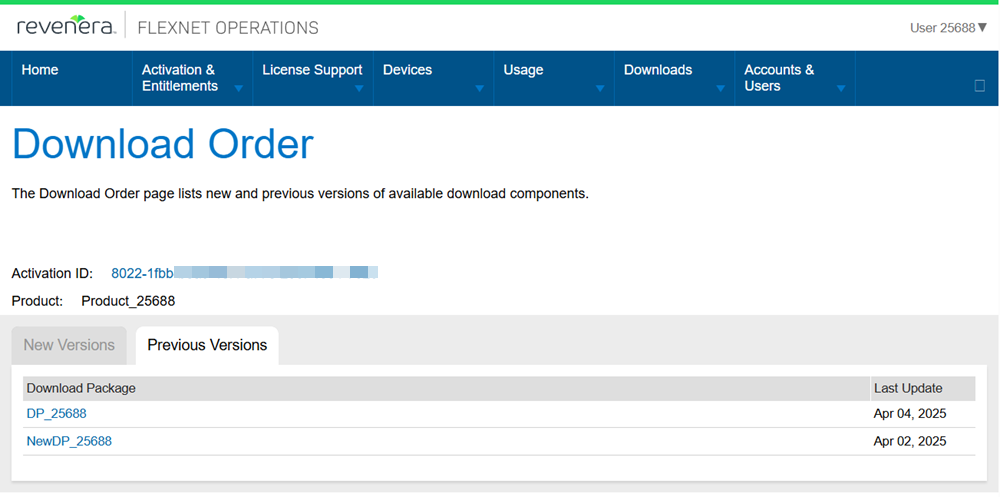
The Download Order page now shows expired or archived download packages on the Previous Versions tab.