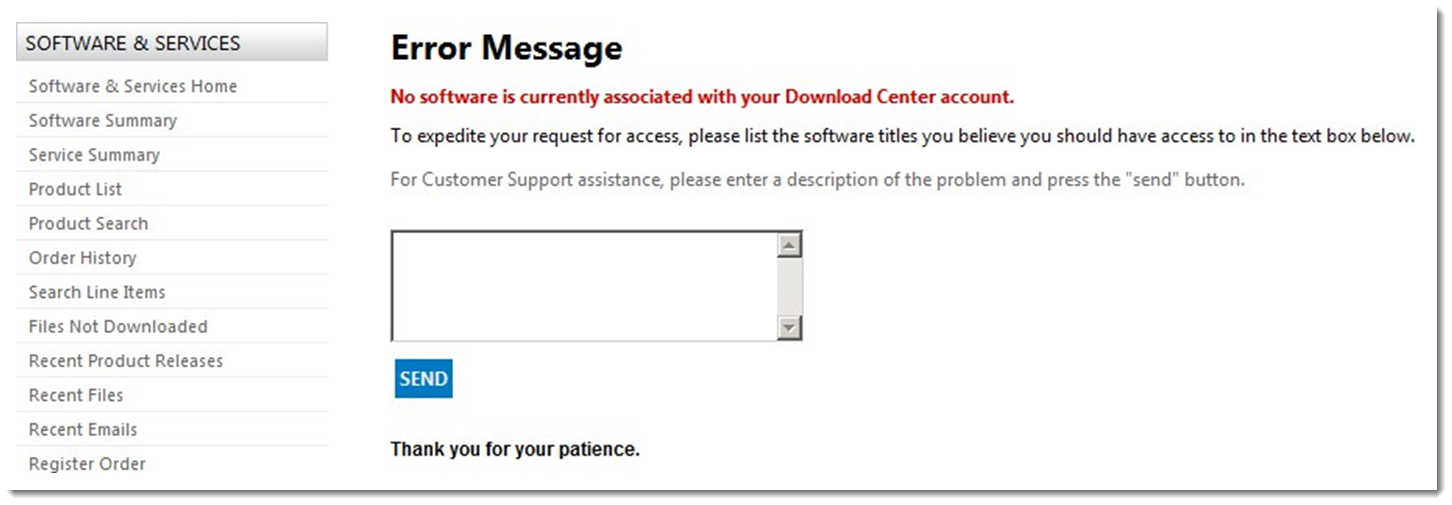
Accessing the FlexNet Operations Enterprise Portal
You can validate that the base license and any add-ons you mapped have been successfully created for a device using the FlexNet Operations Enterprise Portal. Use the following steps to access the Enterprise Portal.
To access the Enterprise Portal:
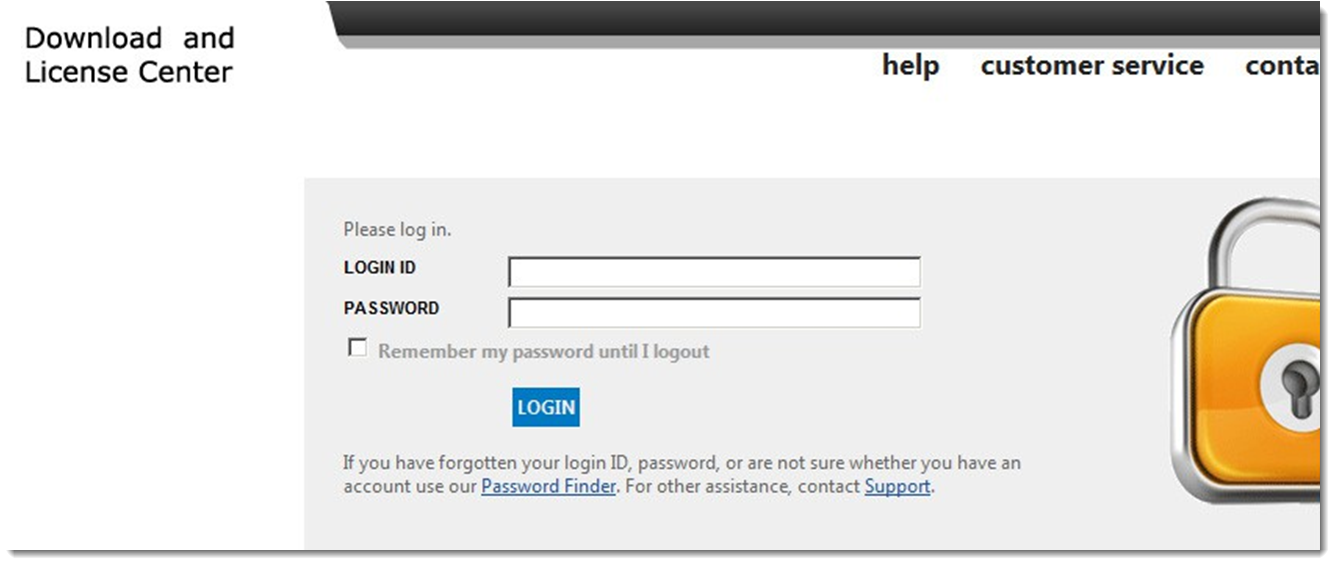
| 1. | Open a web browser and enter the following URL: |
https://<your_site_name>uat.flexnetoperations.com
Note:The URL in step 1 is a typical URL for a customer’s Enterprise Portal. If you do not know the URL assigned to your company, contact Revenera Support.
| 2. | If you are associated with more than one account, you are asked to choose which account you want to use. Click the Company Name for the account you want to use. The Enterprise Portal opens. |