Localization of Email Templates
You can localize email templates into multiple languages. However, this option needs to be enabled during implementation.
To localize the content of an email template:
| 1. | On the Administer menu, click List Email Templates. The List Email Templates page opens. |
| 2. | Choose the Email Template you wish to edit by clicking on the Email Template ID. The View Live/Draft Email Template page opens. |
| 3. | Click Edit > Edit Live/Draft Content. Next to each text field, a Show languages button is displayed. |
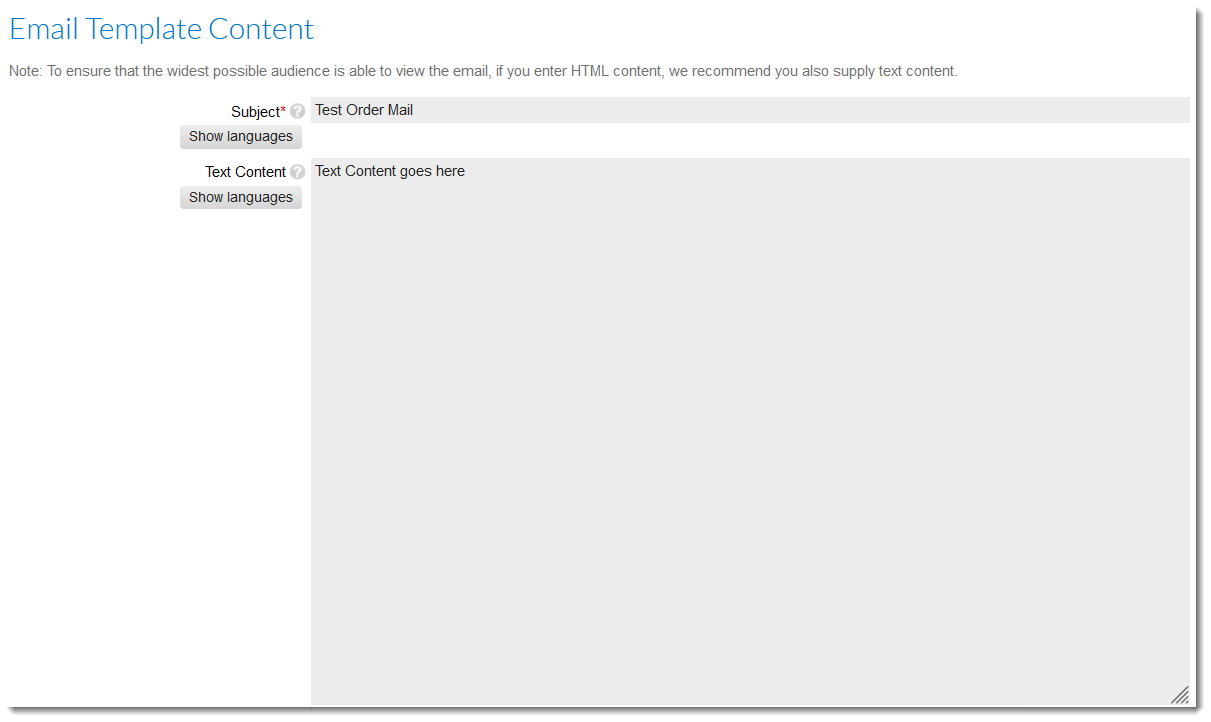
| 4. | Click the Show languages button. Additional text fields for the specified languages are listed and the button is renamed to Hide languages. |

| 5. | Enter localized content in the language text fields and click Preview & save. |
Note:For more information, see Localized Emails.