Accessing the lmreporter GUI
The lmreporter GUI can be accessedin the following two ways:
| • | lmreporter via lmadmin Installer |
| • | lmreporter via Docker Images |
lmreporter via lmadmin Installer
If lmadmin is installed with the Install lmreporter tool option selected, the lmreporter button will be displayed in the Home page of lmadmin. Click on the lmreporter button to access the lmreporter GUI. The web browser opens with the URL http://<LmadminHostName>:27009. You can now view the Log Analysis page of the lmreporter.
The following displays lmadmin UI with lmreporter button:
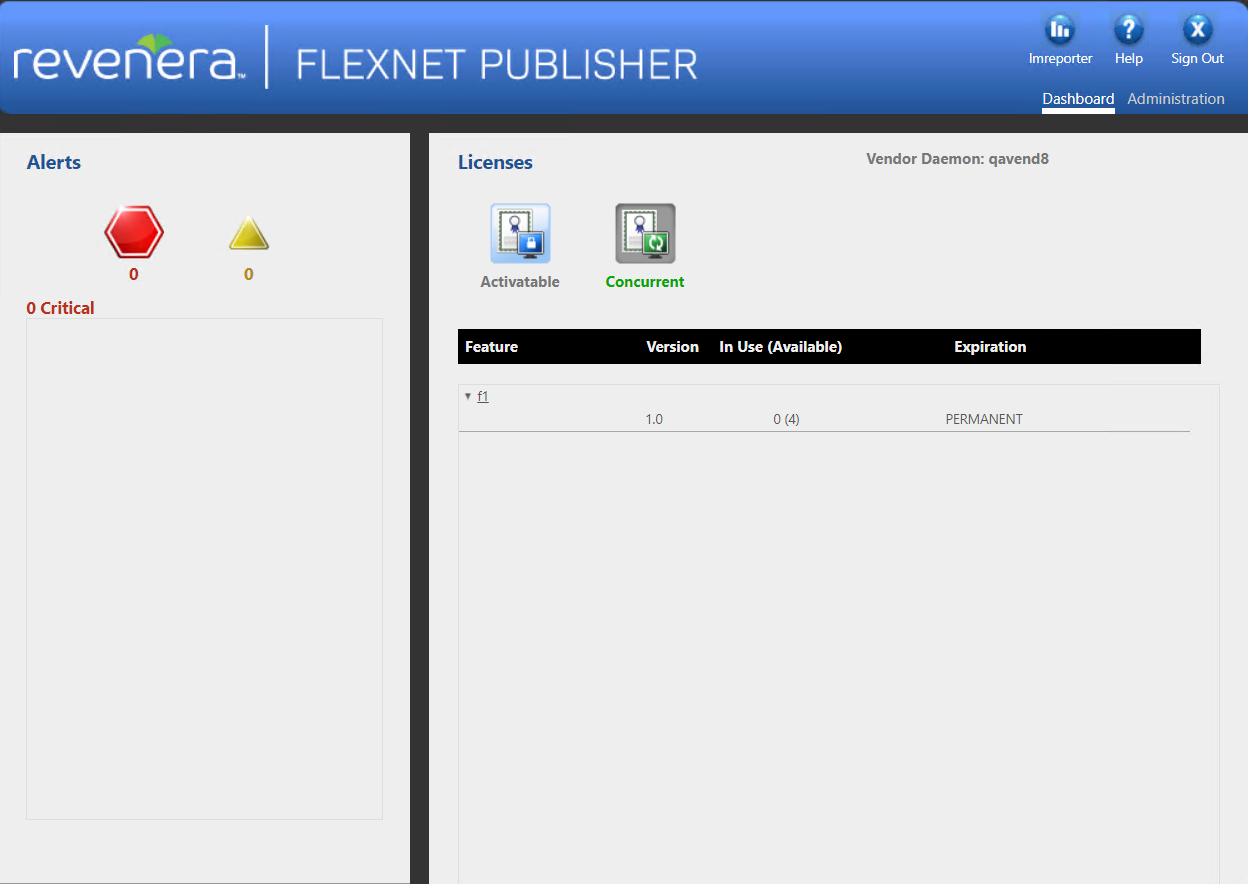
lmadmin UI with lmreporter Button
This section describes how to access the lmreporter GUI through the Docker images.
Note:Installing Docker is not covered in this section. For information about downloading and installing Docker, see the Docker documentation.
To access the lmreporter GUI, point a web browser to http://<LmadminHostName>:27009. The web browser displays the Log Analysis page of the lmreporter.