Denials Page
The Denials page offers a detailed view of a selected feature that was denied on a specific day. It provides a number of denied features for each specific feature, giving users insights into the denial activity for that particular interval. The following displays the bar graph representation of a selected feature denied over a specific interval on the Denials page:
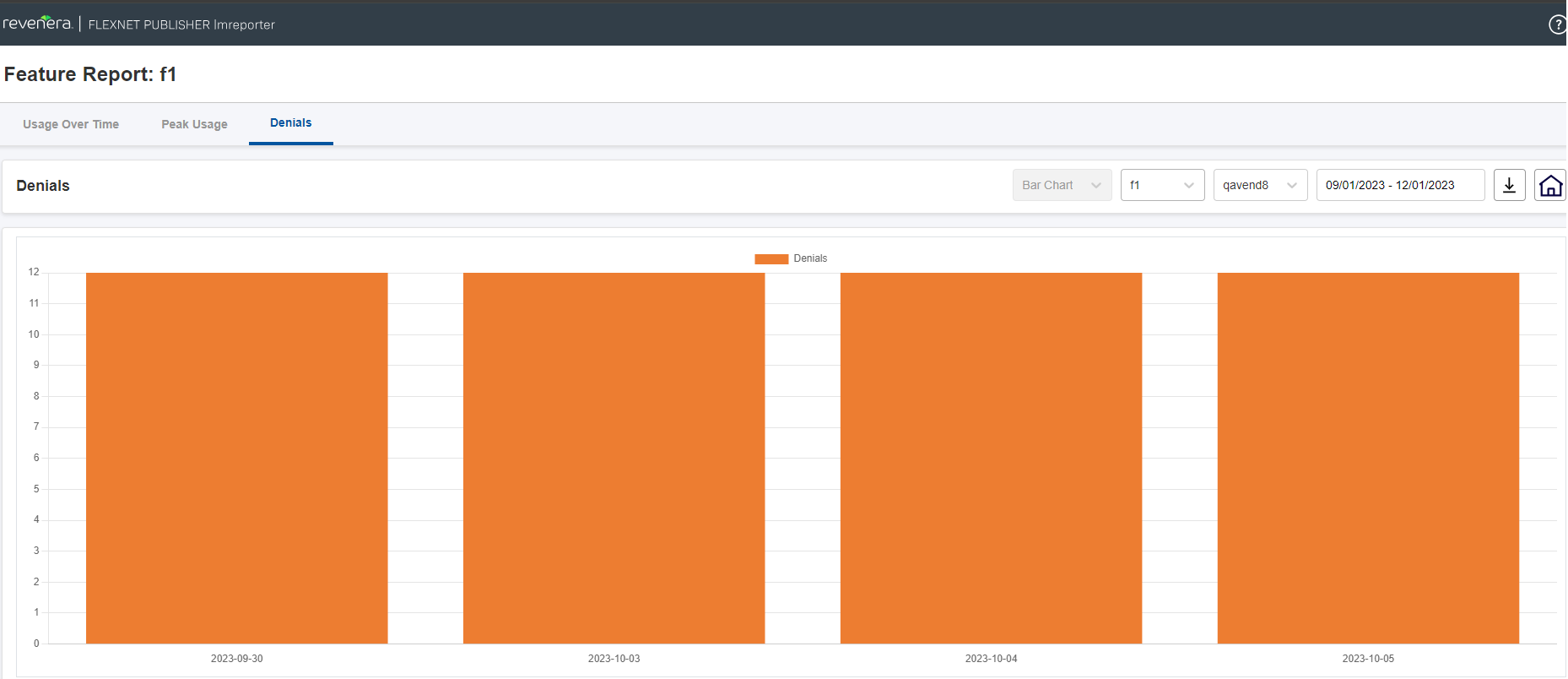
Denials Page
Key Features
The following are the key features of this page:
| • | Denied features display—This page displays a list of features that are denied for a selected day. |
| • | Dynamic graph update—Users can update the displayed graph by selecting a specific feature and vendor daemon from the drop-down menu. |
You can use the drop-down menus above the chart to select a different feature, vendor daemon, or date range:
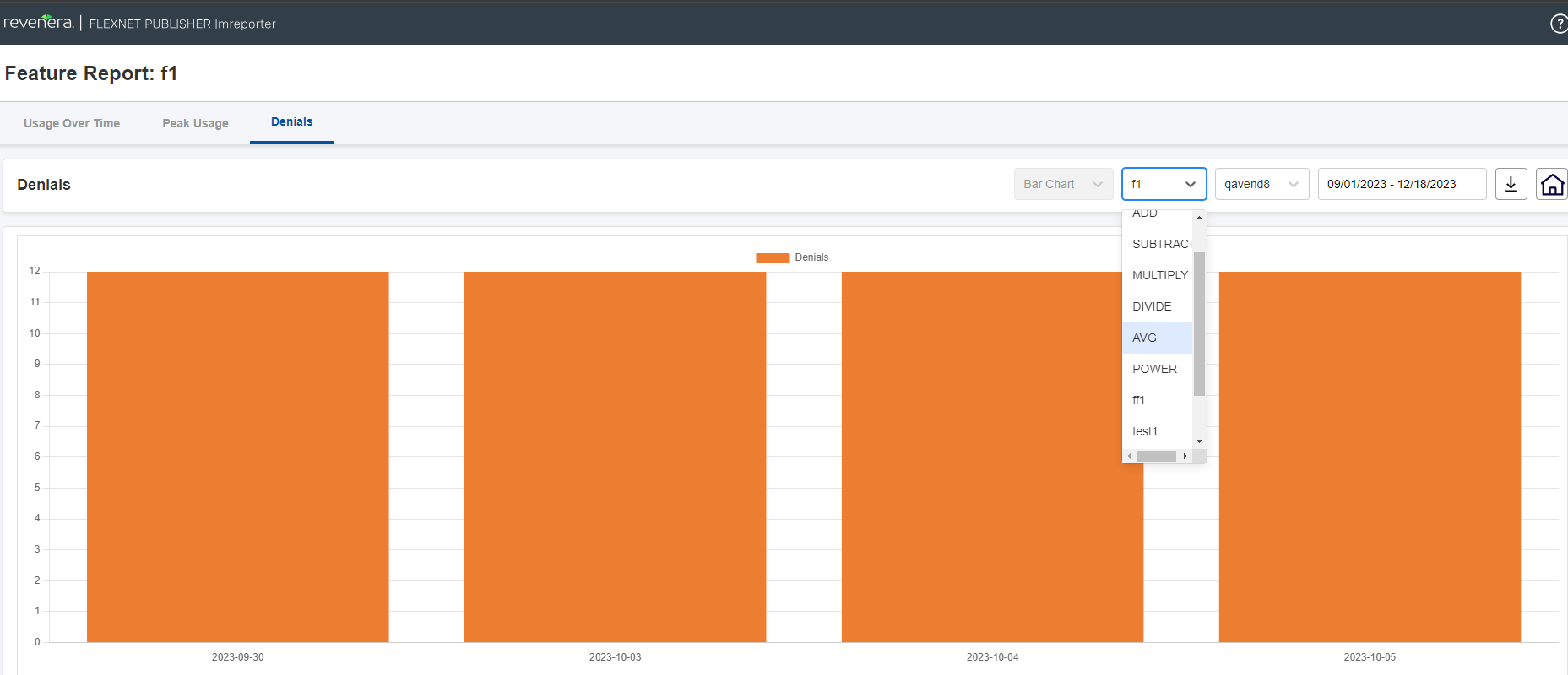
Denials Page with Feature Drop-Down
The following page shows selecting a specific vendor daemon:
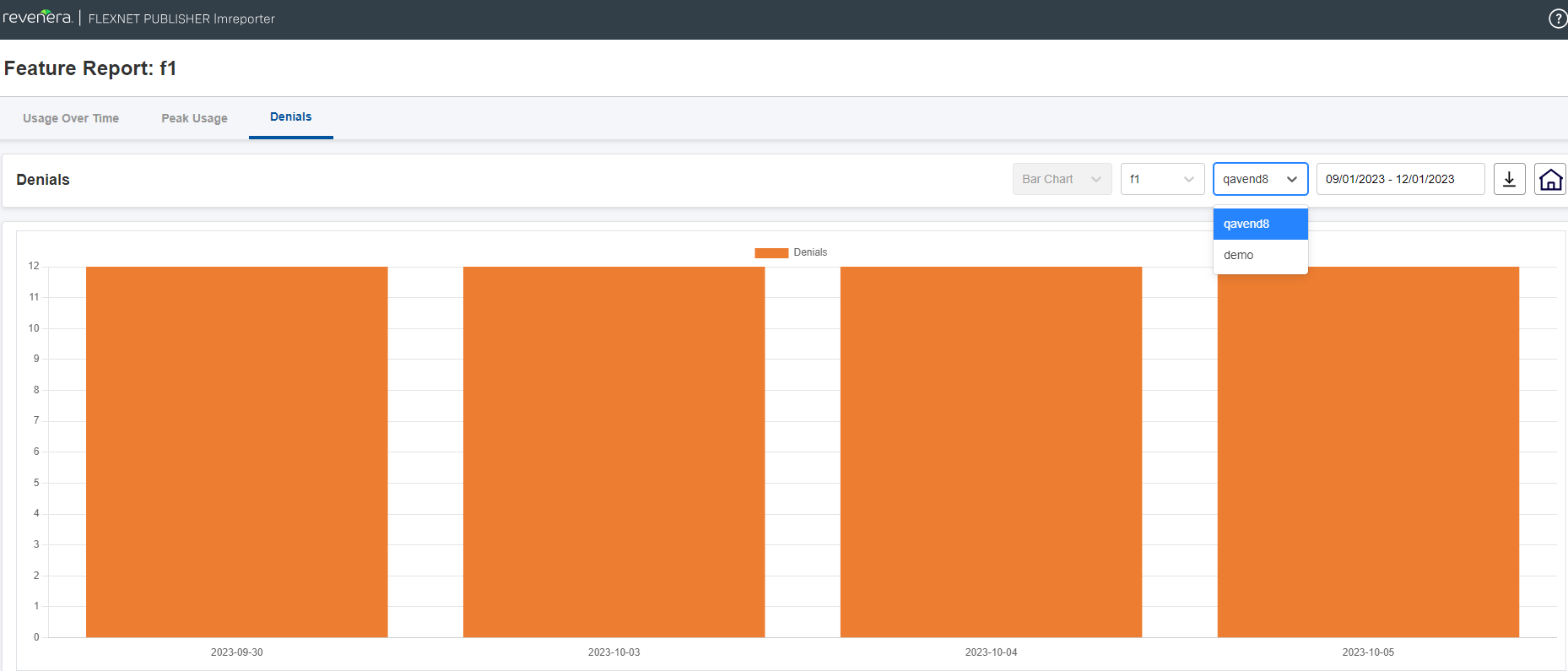
Denials Page with Vendor Daemon Drop-Down
The end user has the flexibility to choose the desired date range for the report creation:
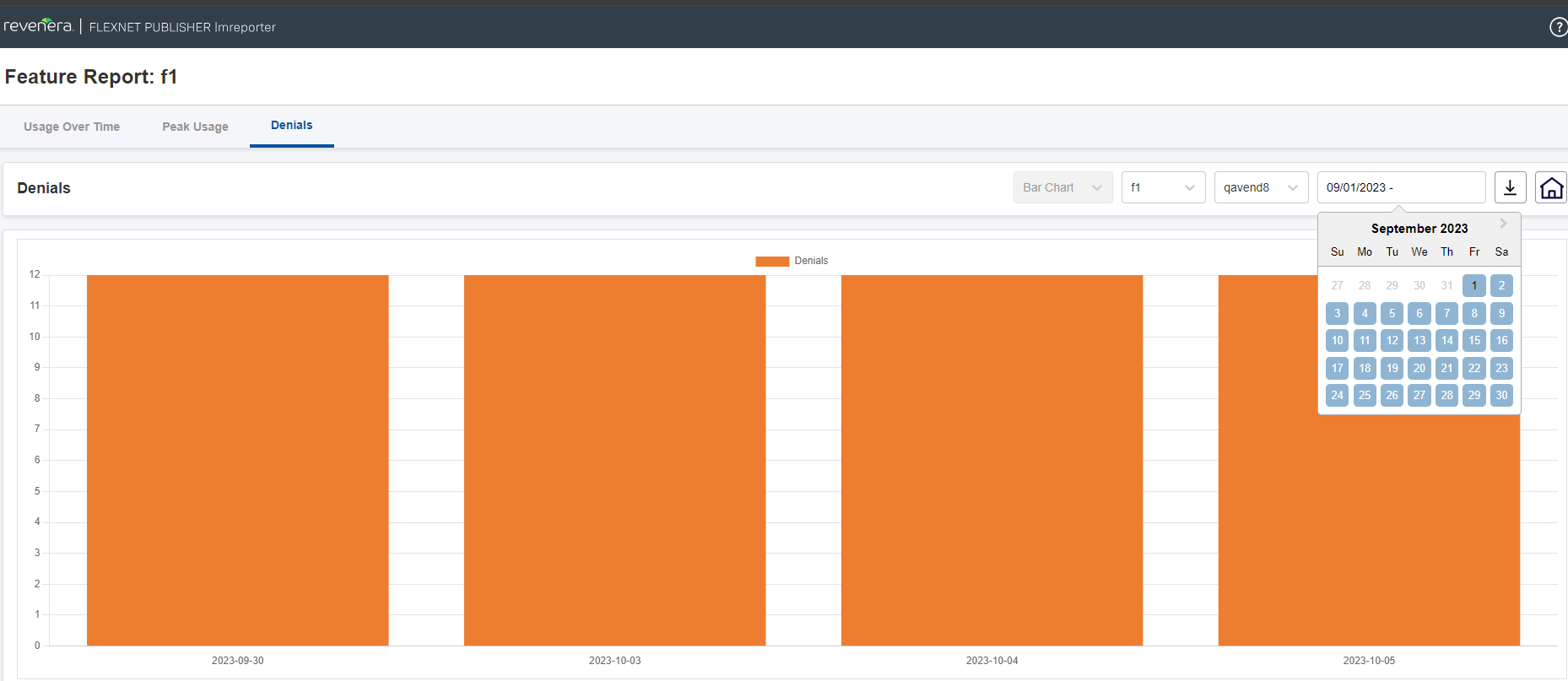
Denials Page with Date Range Selection
Limitation of Denials Page
All the denied features are added. Features are being served later are not deducted from the denied list shown in the graph. This will be taken care in the future release