Cross-Filtering and Cross-Highlighting of Visuals in a Report
All visuals on a report page are connected. When you select a data point in one visual, other visuals on the same page that contain related data update automatically.
By default, selecting a data point triggers cross-filtering or cross-highlighting across all visuals on the page.
These interactions help you understand how one data value relates to others. The terms cross-filter and cross-highlight describe this visual interaction behavior and are distinct from filtering applied through the Filters pane.
For example, consider the Accounts & Users report with the Account Type pie chart containing three values: Customer, Channel Partner and Self Registered.
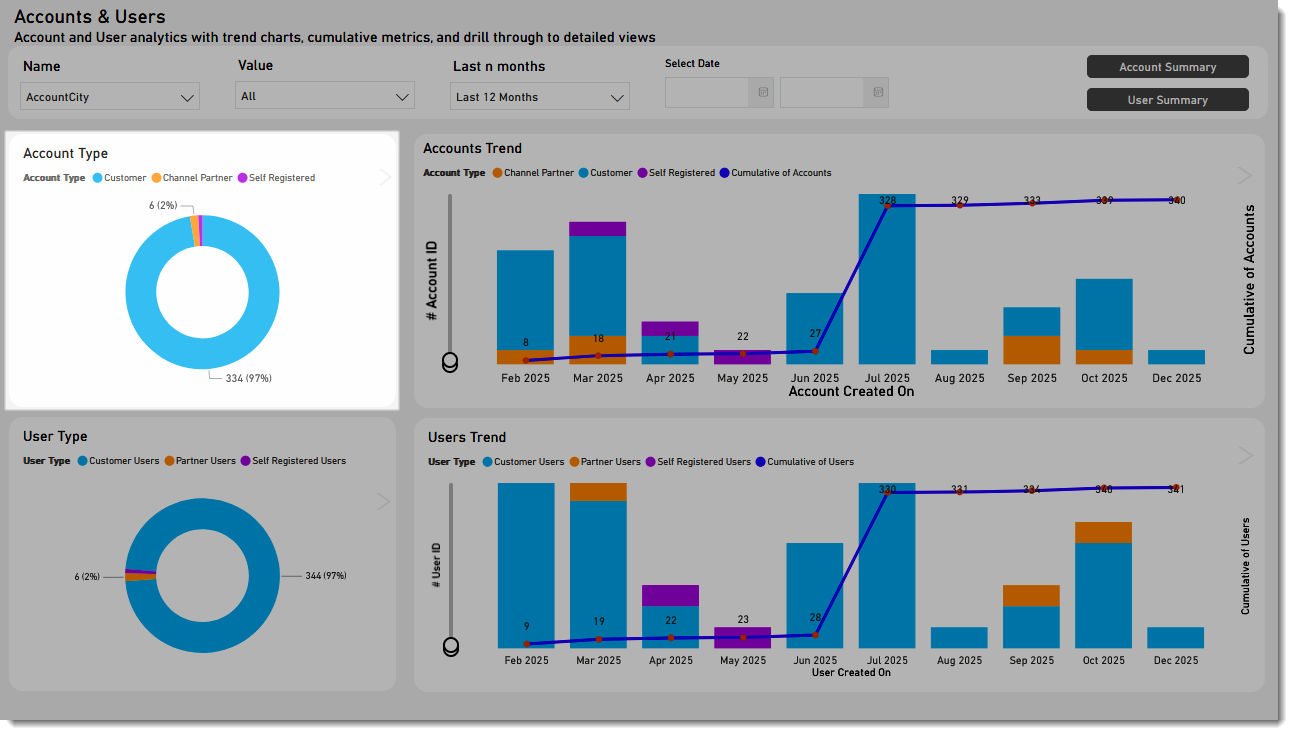
The following screenshot shows how the view changes when Customer is selected:
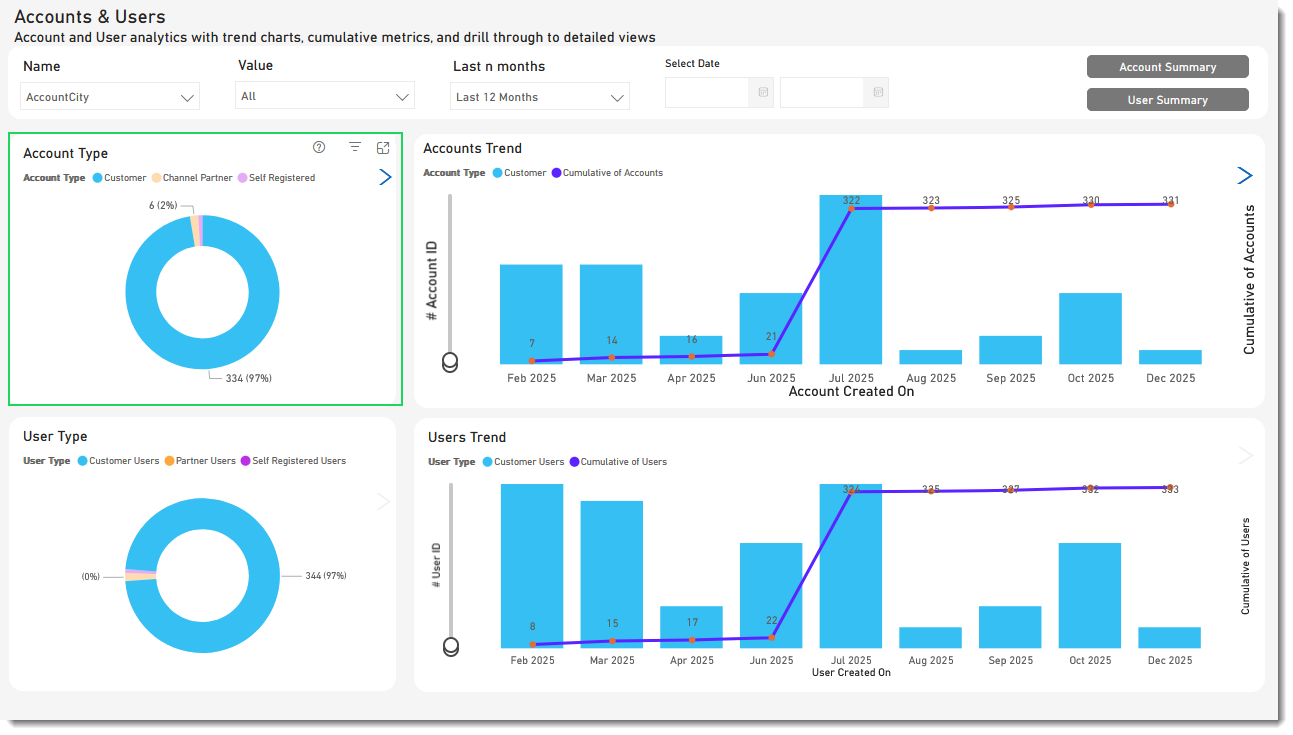
Selecting Customer in the pie chart has the following effect:
| • | Cross-filtering removes unrelated data. Selecting Customer in the Account Type pie chart cross-filters all other visuals on the page, which now only display data points associated with the Customer account type. |
| • | Cross-highlighting retains all the original data points but dims the portion that doesn't apply to your selection. Selecting Customer in the pie chart cross-highlights the portion in all visuals that apply to the Customer account type. The User Type pie chart highlights the data for the Customer segment while the segments for the Partner Users and Self Registered Users are dimmed. |