Selecting a Page Layout
Note:You must have administrator rights in Salesforce to select page layouts in the Salesforce Connector.
Select the layouts that should include the custom elements specific to FlexNet Operations. By default, these elements are added to the standard layouts: Account Layout, Opportunity Layout, Product Layout, and Opportunity Product Layout.
To select a page layout in the Salesforce Connector
| 1. | In the Salesforce Connector, in the navigation menu on the left, click Admin Settings. |
| 2. | On the Administrative Settings page, open the Update Layouts tab. Use the left/right arrows to select the layouts that should include custom fields for FlexNet Operations attributes. |
| 3. | Click Save. |
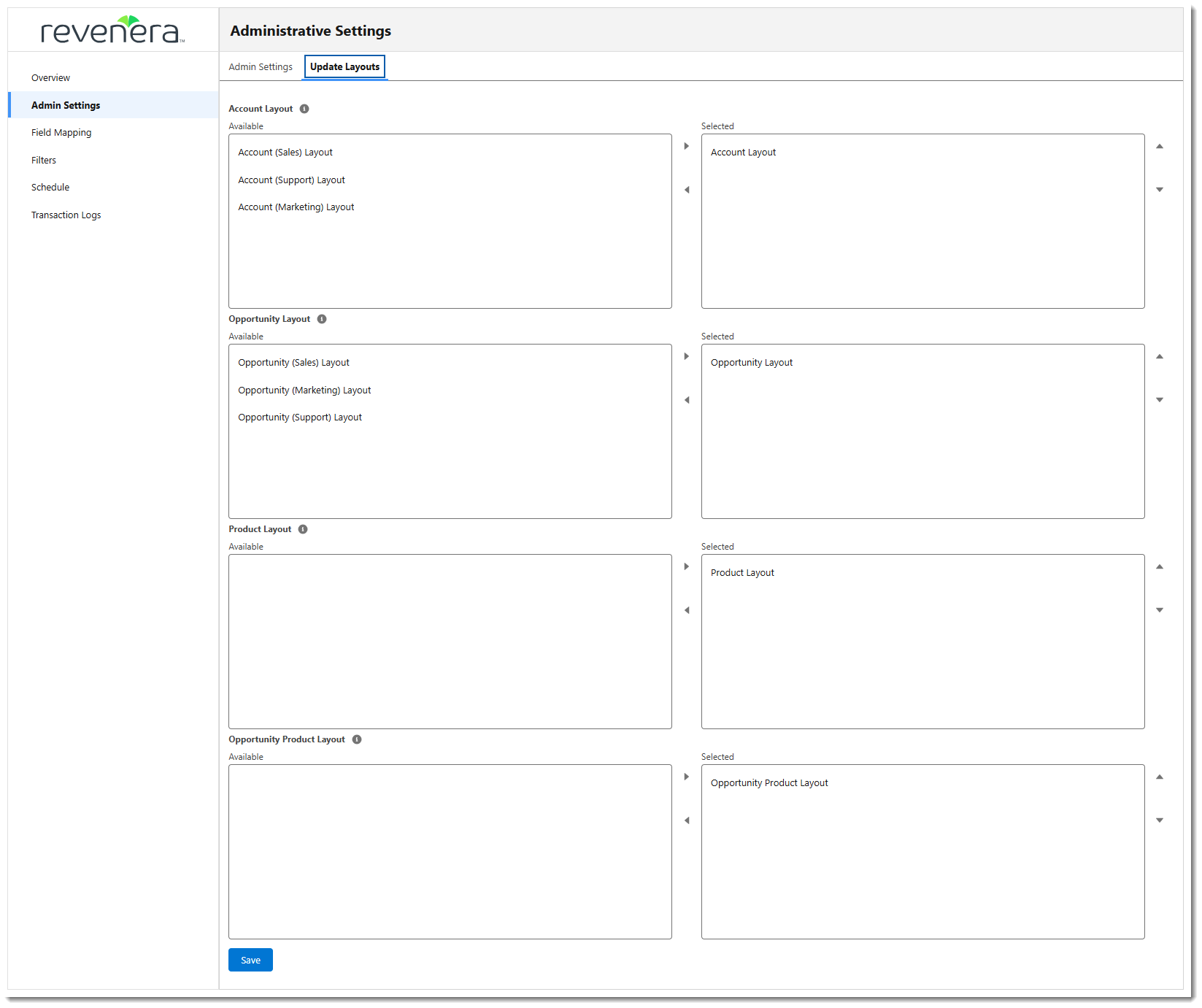
An example of the Update Layouts tab in the Salesforce Connector. The page layouts available will vary, depending on your Salesforce integration.