Scanning a Directory of Files
InstallAnywhere 2021
Rather than scanning the files in the open InstallAnywhere project, you can also launch FlexNet Code Aware as a standalone product and select a directory of files to scan.
To scan a directory of files:
| 1. | Launch FlexNet Code Aware using a shortcut or by launching the following executable: |
C:\Program Files (x86)\InstallAnywhere 2021\FlexNet Code Aware\FlexNet Code Aware Launcher.exe
The FlexNet Code Aware Welcome panel opens.
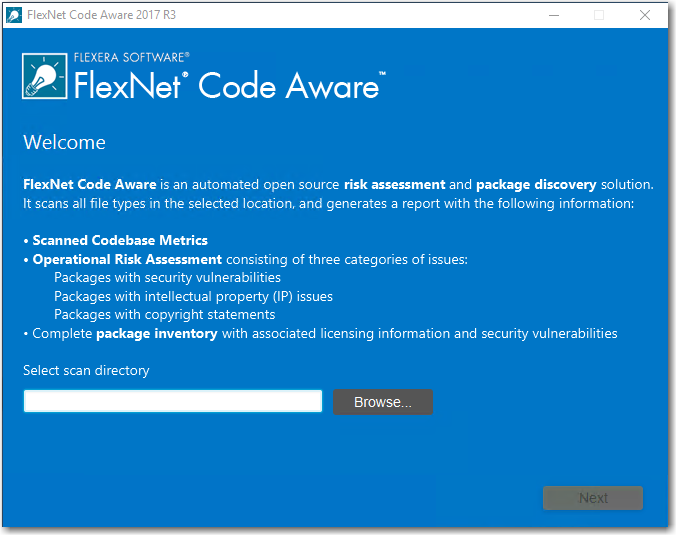
| 2. | Click Browse and select the directory that you want to scan. |
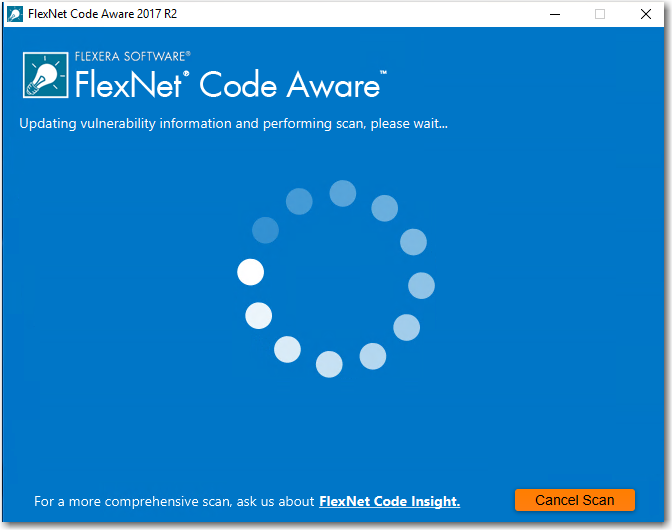
| 3. | Click Next. FlexNet Code Aware begins scanning the files in the selected directory. |
 [
[
When the scan is complete, the Results Summary panel opens.
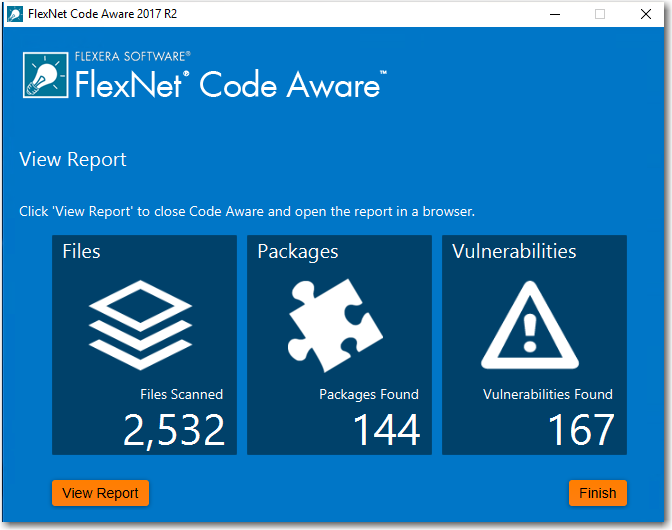
The Results Summary view displays the following information about your InstallAnywhere project:
| • | Files—Number of files scanned. |
| • | Packages—number of open-source packages found. |
| • | Vulnerabilities—Number of vulnerabilities found. |
| 4. | For more detailed information, click the View Report button to display a full report. For more information, see Generating the FlexNet Code Aware Report. |